Pages

Ads 468x60px

Chat Here

Tampilkan postingan dengan label Rooted Only. Tampilkan semua postingan

Kamis, 17 Oktober 2013

Greenify v1.95 apk


Description
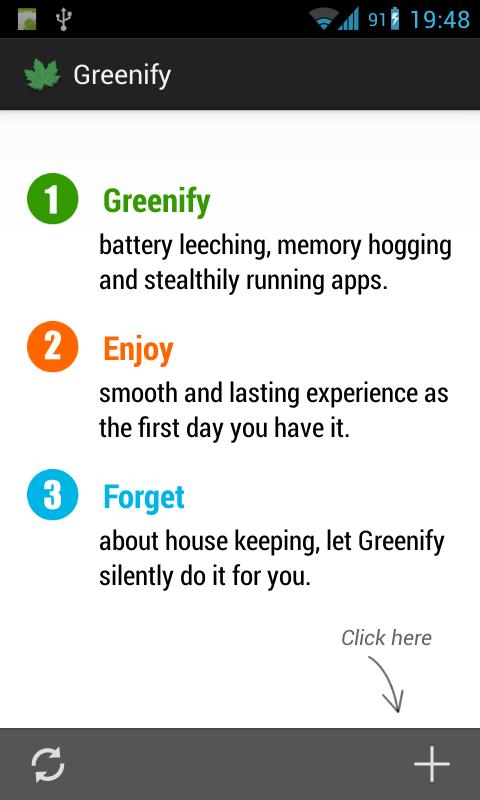
Never should your phone or tablet become slower and battery hungrier after lots of apps installed. With Greenify, your device can run almost as smoothly and lastingly as it did the first day you had it!

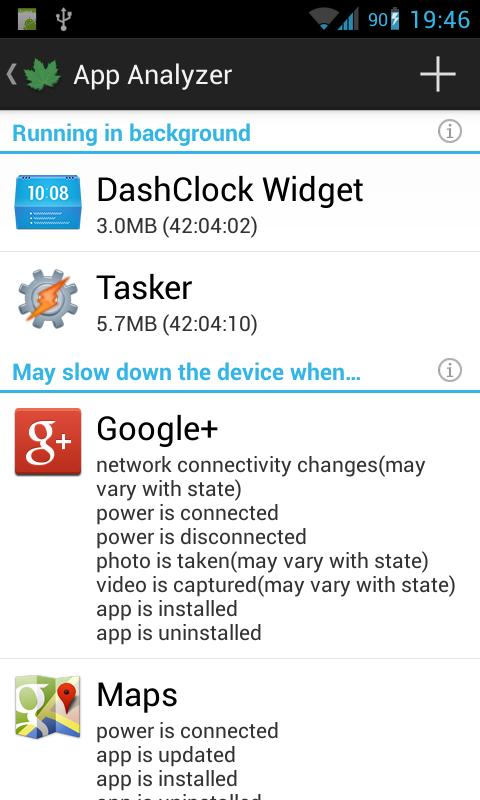
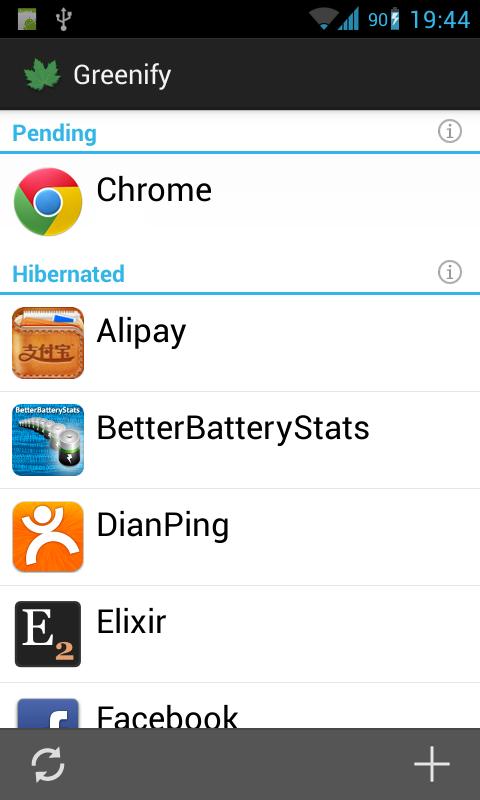
Greenify help you identify and put the misbehaving apps into hibernation when you are not using them, to stop them from lagging your device and leeching the battery, in an unique way! They can do nothing without explicit launch by you or other apps, while still preserving full functionality when running in foreground, similar to iOS apps!

IMPORTANT:
Greenifying an app implies that you are aware that all the background functionality (service, periodic task, event receiver, alarm, widget update, push message) of this app will become out of service during the hibernation except when you are using this app.

Note:
NEVER greenify alarm clock apps, instant messaging apps unless you don't rely on them. Please do verify the impact of greenified apps on which you heavily rely.

Change Log
- Hide apps you don't want to greenify with the new "Hide" button (on action bar) in App Analyzer.
- Google Play services are no longer forbidden (not suggested) to greenify, but hidden by default. Use "Show all" in menu to reveal it.
- Wakeup Tracker better recognizes GCM/C2DM wakeups, and now works in Android 4.3. (donation package)

Images

Downloads
Download
READ MORE - Greenify v1.95 apk

Titanium Backup v6.1.1 apk


Description
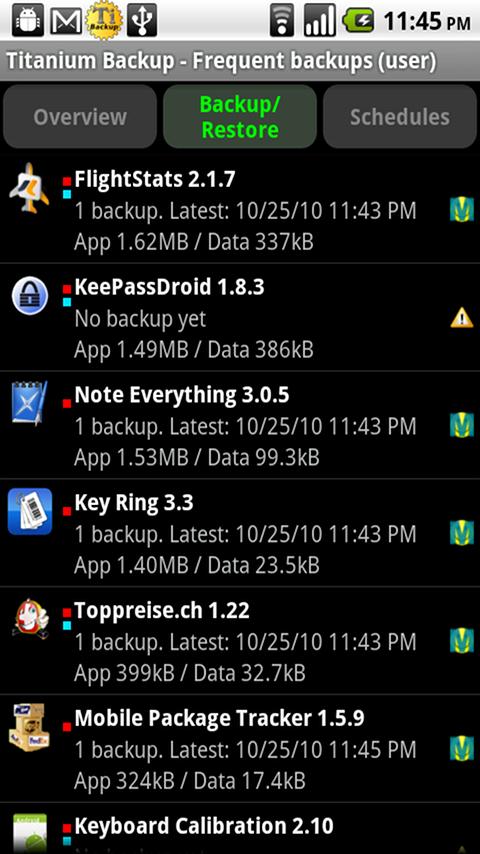
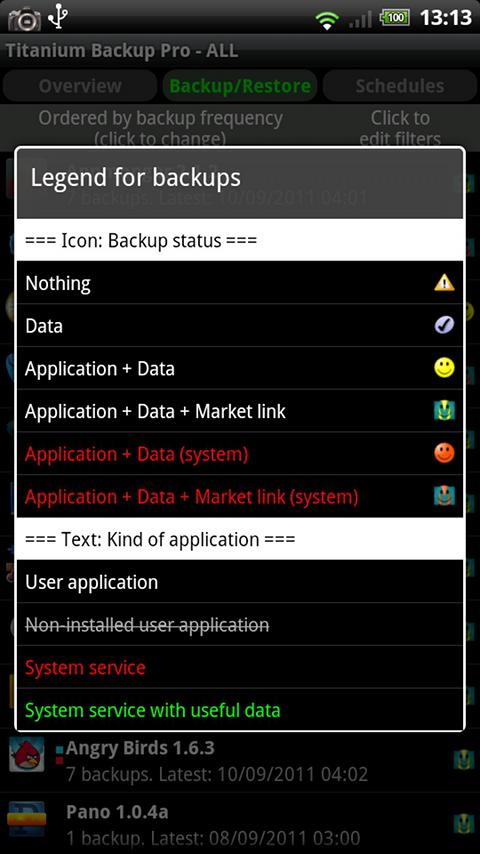
Using Titanium Backup Free version you can backup, restore your apps + data + Market links. This includes all protected apps & system apps, plus external data on your SD card. You can do 0-click batch & scheduled backups. You can move any app (or app data) to/from the SD card. You can browse any app's data and even query the Market to see detailed information about the app.

Change Log
- Added a warning for SU binaries that have issues on some Android 4.3+ ROMs.
- Added logic to automatically use /storage/emulated/legacy/ for backups on Android 4.2+ to avoid possible issues with Superuser.
- Major translation updates.
- Minor bugfixes.

Images


Downloads
Download
READ MORE - Titanium Backup v6.1.1 apk

Apps2ROM v1.4.9 apk


Description
Willing to free up some space or speed-up your applications without uninstalling anything nor tweaking your system?
Apps2ROM is the solution!

Android system is pre-installed on its own space called ROM which is not accessible by end-user. There is usually some wasted free space there?
When you update one of your pre-installed application (say GMail as an example), Android does not really update it but "deprecates" the pre-installed version and installs a new instance in your user space, which causes your available free space to decrease because of some duplicate applications.

Features
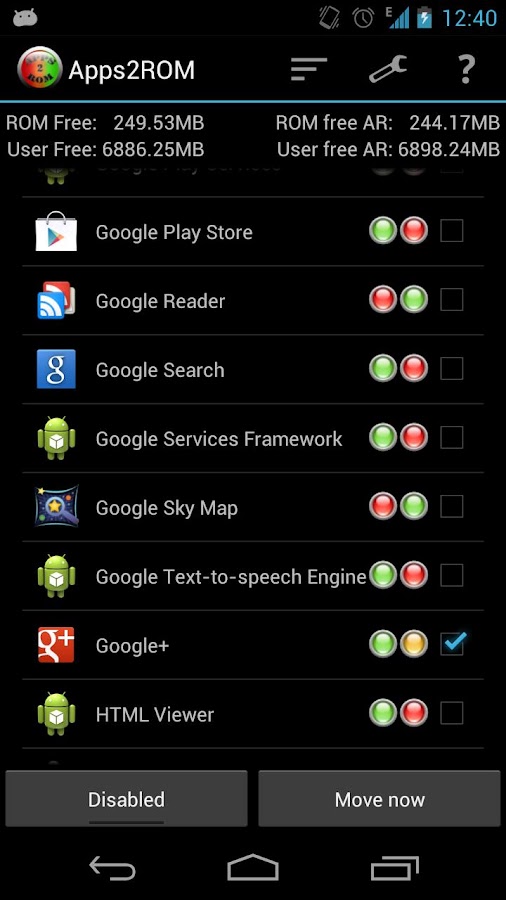
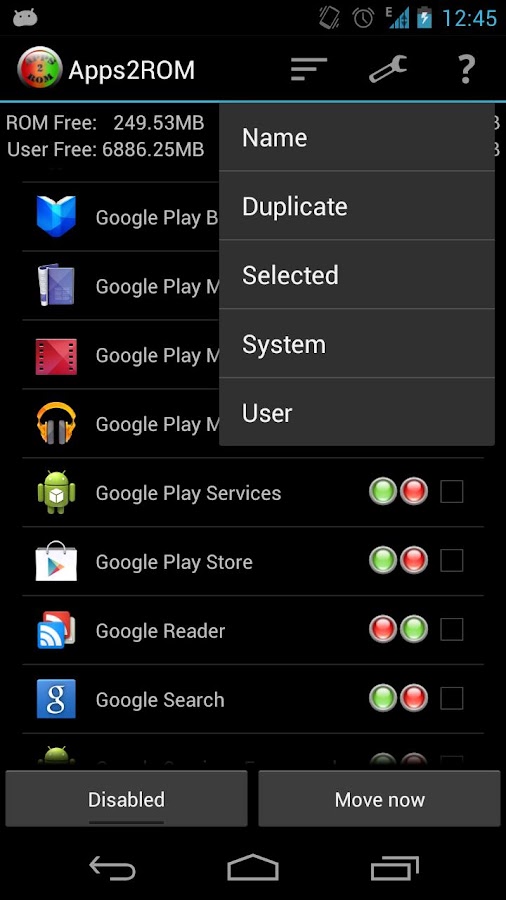
- Lists all your applications and indicates their location (System and/or User space).
- Allows you to select user applications you want to move/update to system space.
- Once enabled, on every device boot it will automatically check for selected applications and move them to your system space if found.
- On some devices (mostly stock ROM neo-rooted), the auto-move feature might not work so you can try the "Move now" functionality which is compatible with more devices.
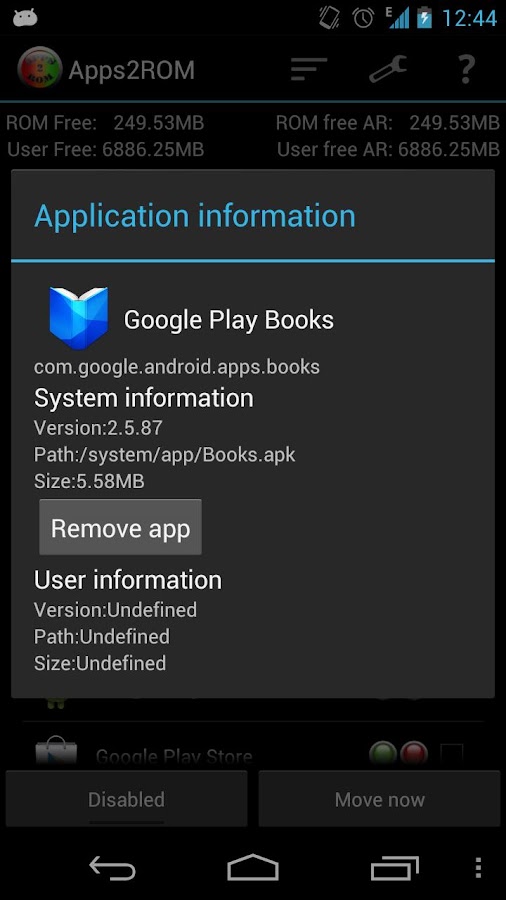
- Removes System application / bloat-ware
Info/Warning:
- You need to have ROOT access on your phone.
- Not all application like to be moved to system and will cause them to "Force Close". To resolve, remove the app with Apps2ROM and reinstall it from play store. (Adblock Plus is known to create problems).
- If you have a "Not found" error, try installing busybox, restart and retry.
- Some devices are S-ON which means "Security ON" and prevents from writing to system memory. Apps2ROM cannot work on such devices until you find a way to S-OFF your device. This problem have been reported on some HTC devices.
- Never restore Apps2ROM's data with a backup software as it uses ROM-dependent configuration.
- Selected applications are moved during phone boot time (or immediately with the Move Now button)
- Applications moved to system cannot be uninstalled by standard Android uninstaller. You can remove them with Apps2ROM.

Note:
Problem with SU access after update? Try resetting permissions

Change Log
- 4.3 compatible
- Fixed bug where warning popup didn't showed up

Images


Downloads
Download
READ MORE - Apps2ROM v1.4.9 apk

Minggu, 13 Oktober 2013

Lucky Patcher v3.6.0 apk


Description
Lucky Patcher is a great Android tool to remove ads, modify Permissions, bypass premium applications license verification, and more.

Warning from Developer:
Although stable, functioning of Lucky Patcher can't be guaranteed at 100%. So you are solely responsible of use of this application. Under no circumstances Netbew be responsible for any problems caused to your device (rebooting loop, unstable system, etc...)

Change Log
- Add custom patch for "GO SMS Pro" v5.25 (Recent) to enable all premium features and remove ads (By FaakhiR).
- Add custom patch for "AutoMapa" (Updated for rebuild apk).
- Add custom patch for "Xprivacy Enabler Pro" v1.7.30.
- English translation updated (By p0izn@xda).
- Russian translation updated.

Images


Downloads
Download
READ MORE - Lucky Patcher v3.6.0 apk