Pages

Ads 468x60px

Chat Here

Tampilkan postingan dengan label File Managers. Tampilkan semua postingan

Senin, 14 Oktober 2013

ES File Explorer v3.0.5.5 apk


Description
ES File Explorer is a free, full-featured file and application manager.
It functions as all of these apps in one: file manager, application manager, task killer, cloud storage client (compatible with Dropbox, Google Drive, SkyDrive, Box.net, Sugarsync, Yandex, Amazon S3, and Ubuntu One), FTP client, and LAN Samba client.

It provides access to pictures, music, video, documents, and other files on both your Android devices and your computers.

ES File Explorer allows Android users, no matter where they are, to manage their resources for free. You can see and access all of your files from your mobile device and share them with others.
The app makes it easy to stay connected over 3G, 4G, EDGE, or Wi-Fi to share with friends, upload photos, and watch videos.

Features List:
* File Manager – Manage your files like you do on your desktop or laptop using Multiple Select, Cut/Copy/Paste, Move, Create, Delete, Rename, Search, Share, Send, Hide, Create Shortcut, and Bookmark; operations can be performed on local files (on your Android device) or remotely (on your computer)
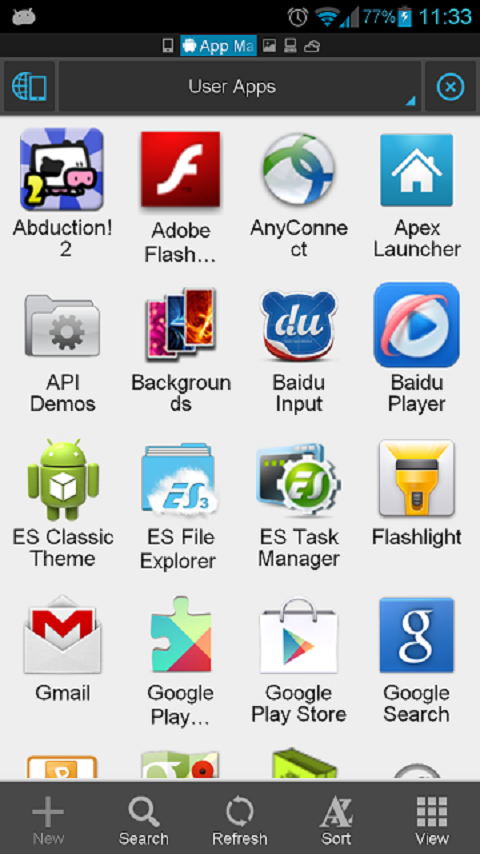
* Application Manager – categorize, uninstall, backup, and create shortcuts to your apps
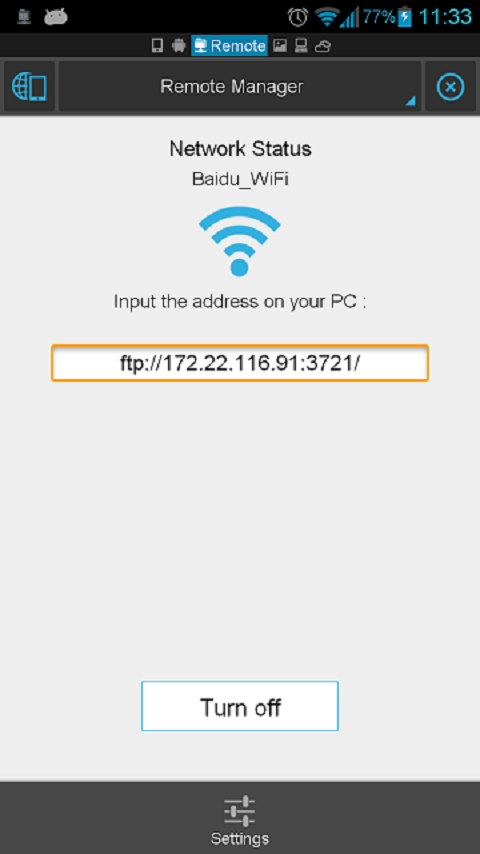
* Remote File Manager – when enabled, manage files on your phone from your computer
* Built-in ZIP and RAR support allows you to compress and decompress ZIP files, unpack RAR files, and create encrypted (AES 256 bit) ZIP files
* Built-in viewers and players for various file types, including photos, music, and videos; supports third-party applications, such as Documents To Go, for opening others
* Shows thumbnails for APKs and images
* Text viewers and editors
* Access your home PC via WiFi with SMB
* Functions as your FTP and WebDAV client. Manage files on FTP, FTPS, SFTP, and WebDAV servers just like you manage files on your SD card
* Supports Dropbox, Box.net, Sugarsync, Google Drive (Google Docs is now a part of Google Drive), SkyDrive, Amazon S3, Yandex and more.
ES File Explorer is an enhanced cloud storage client with more functions than the official versions,
it can save photos, videos, and other files to your internet drives and share them with others.
* Bluetooth file browser You can copy and paste files between Bluetooth ready devices. It supports OBEX FTP for browsing devices and transferring files between Bluetooth devices.
* Kill tasks with a single click -- includes a simple widget for automatically killing tasks, with an ignore list to ignore the applications you want to keep running. To use this feature, you must have ES Task Manager module installed.
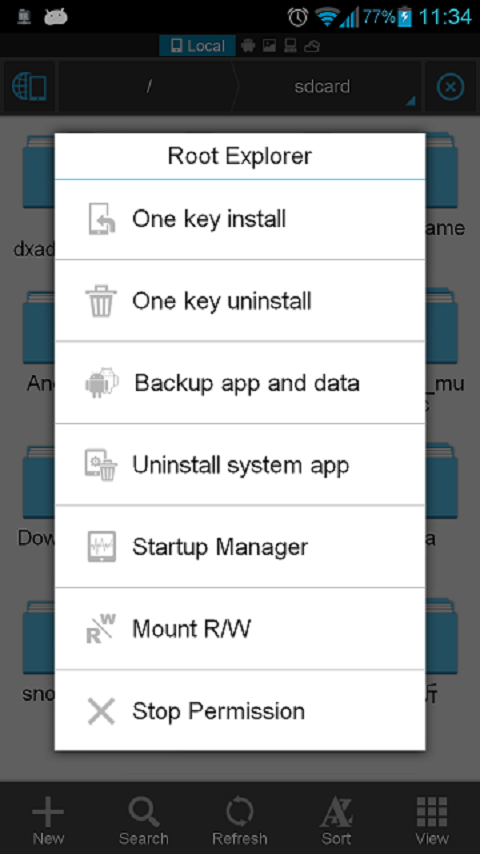
* Root Explorer -- the ultimate set of file management tools for root users. Provides access to the entire file system and all data directories, and allows the user to change permissions.
* Developers can visit our website for the developer interface for picking files from your applications, emailing attachments, etc.

Change Log
V3.0.5.5:
Hot Fix for V3.0.5.4: SD Card analyst show black on some 2.3 devices.
V3.0.5.4:
1) ES Task Manager update to match ES File Explorer V3.
2) Set Waterdrop gesture location
3) Support Thai/Farsi language
4) Support wired LAN

Images

Downloads
Download - Direct Link (Android 2.1 and up)

Download - Direct Link ( Android 1.5 | 1.6 | 2.0 )
READ MORE - ES File Explorer v3.0.5.5 apk

Minggu, 13 Oktober 2013

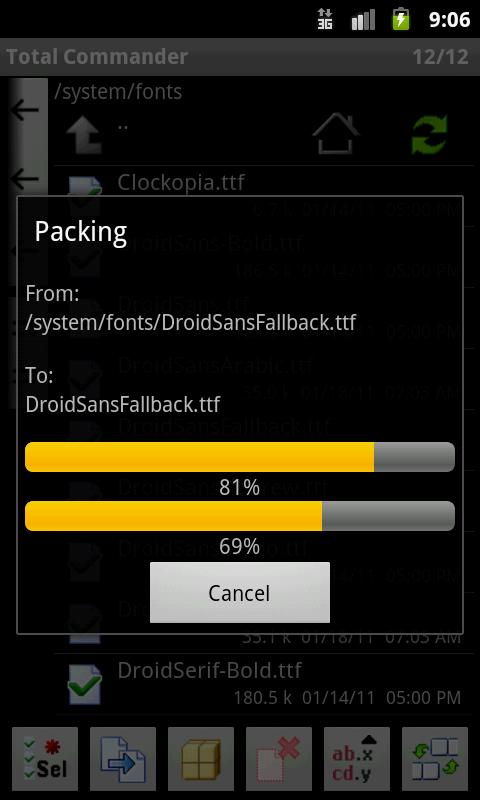
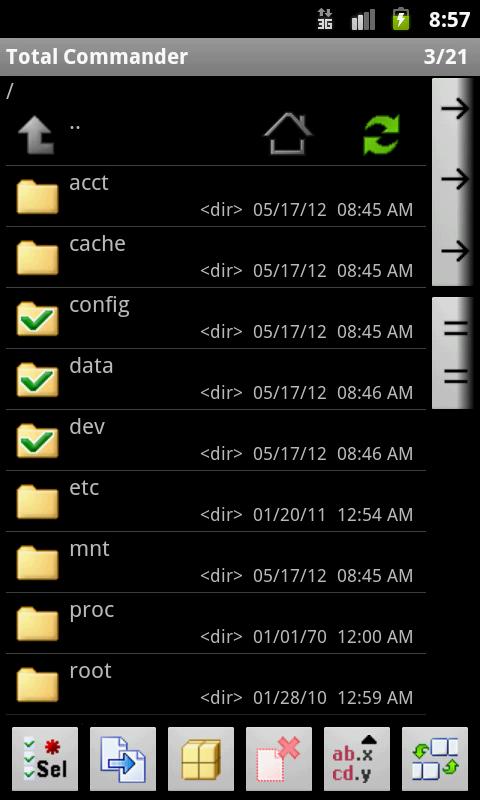
Total Commander 2.02 apk


Description
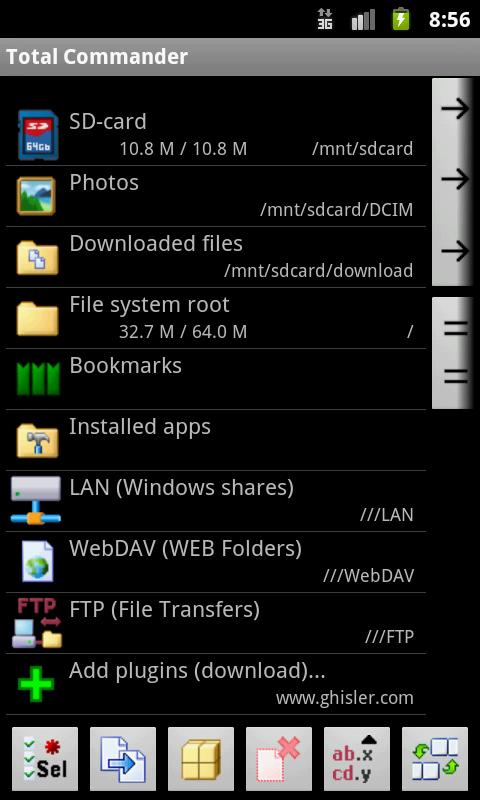
Android version of the desktop file manager Total Commander.

Main features:
- Copy, Move whole subdirs
- Drag & Drop (long press on file icon, move icon)
- Inplace rename, create directories
- Delete (no recycle bin)
- Zip and unzip, unrar
- Properties dialog, change permissions
- Built-in text editor
- Search function (also for text)
- Select/unselect groups of files
- Select by tapping on file icons
- Select range: Long tap+release on icon
- List of installed Apps (built-in plugin)
- FTP client (plugin)
- WebDAV (Web folders) (plugin)
- LAN access (plugin)
- Root support for the main functions (optional)
- Send files via Bluetooth (OBEX)
- Thumbnails for pictures
- Two panels side by side, or virtual two panel mode
- Bookmarks
- Directory history
- Media player which can stream directly from LAN and WebDAV plugins
- Configurable button bar for changing directories, internal commands, launching apps, and sending shell commands
- Simple help function in English, German, Russian, Ukrainian and Czech
- Supported languages of the main program:
English, German, Bulgarian, Croatian, Czech, Danish, Dutch, French, Greek, Hebrew, Hungarian, Italian, Japanese, Korean, Polish, Portuguese, Romanian, Russian, Simplified Chinese, Slovak, Slovenian, Spanish, Swedish, Traditional Chinese, Turkish, Ukrainian and Vietnamese.

Change Log
2.02:
- Security fix - please update!
- Overwrite dialog: Option to rename file if target exists.
- MediaPlayer: Use headset buttons; Save position when closing
2.01:
- Drag&Drop
- Streaming Media Player (need plugin update)

Images


Downloads
Download - MediaFire
READ MORE - Total Commander 2.02 apk

X-plore File Manager v3.37.01 apk


Description
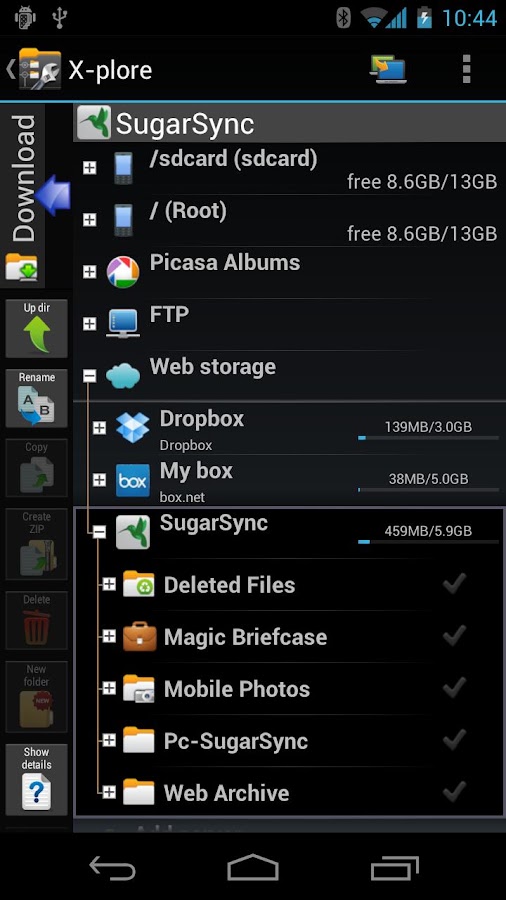
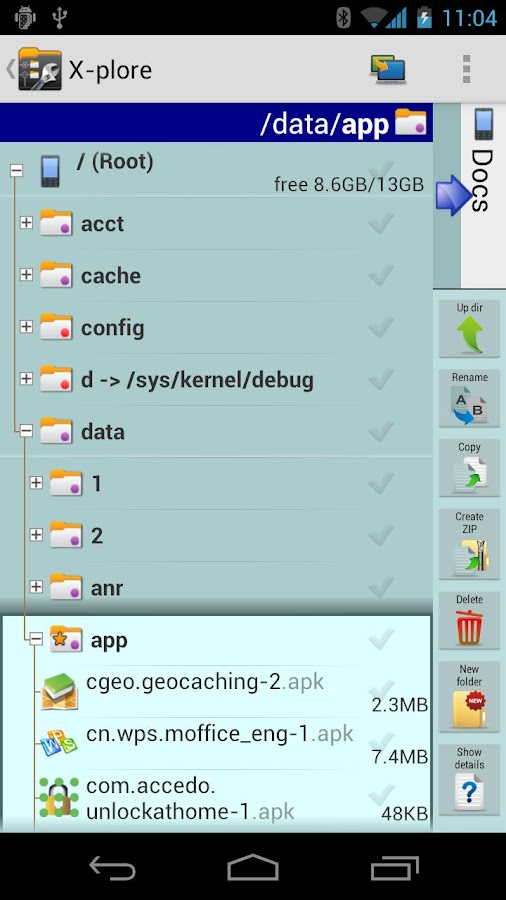
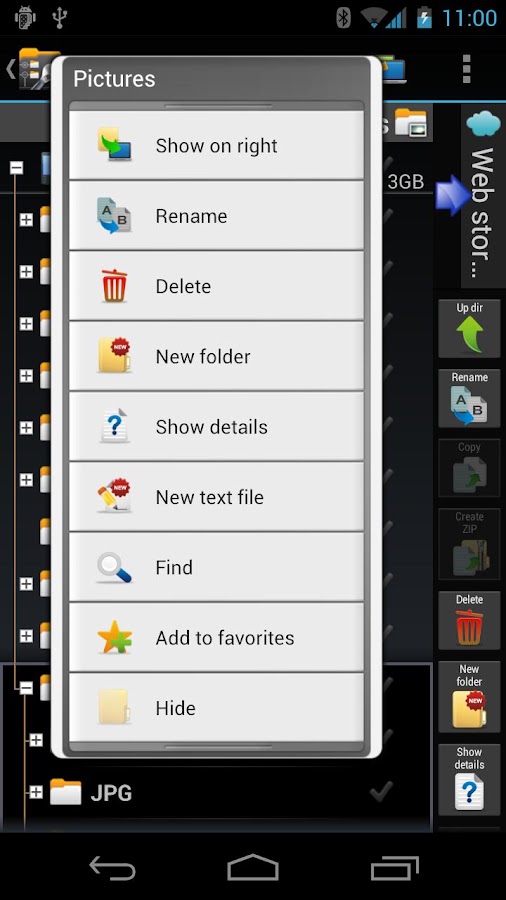
X-plore is a dual-pane explorer, which means that there are two folders shown at same time, and common operation such as copying files are done from one pane to another.And X-plore shows folder hierarchy in a tree view. This offers clear orientation on where in file system you currently are, and fast switching to other location.

You may explore internals of the device, and if you're power user and have your device rooted, you can make changes to system data - backup files, remove unwanted applications, etc.

Highlights:
● Dual-pane tree view
● Root, FTP, SMB, Sqlite, Picasa, Zip, Rar, 7zip explorer
● Cloud storage access: Google Drive™, Dropbox, Box.net, Mega.co.nz ***, SkyDrive, Webdav, Yandex.disk, Ubuntu One, 4Sync, IDrive, SugarSync, Dump Truck, Copy.com, MegaCloud
● Application manager
● Favorite folders
● Built-in viewers for images, video, audio, text
● Hex viewer
● Fast Image viewer with zoom and slide to previous/next images in folder
● Thumbnails for images and video as well as for various file types (depending on associated application)
● Multi-selection - always available, yet not disturbing
● View APK files as ZIP
● Share - send files by Bluetooth, email, or whatever the device supports, from any location
● Configurable buttons and key shortcuts
● Seamless work with Zip (as if it was normal folder)
*** marked feature is paid - it requires donation

Change Log
- Showing copy transfer speed
- Multi-select by click + long-click on file checkmark
- Showing image Exif data
- 7zip format (beta)

Images


Downloads
Download - Mediafire
READ MORE - X-plore File Manager v3.37.01 apk